
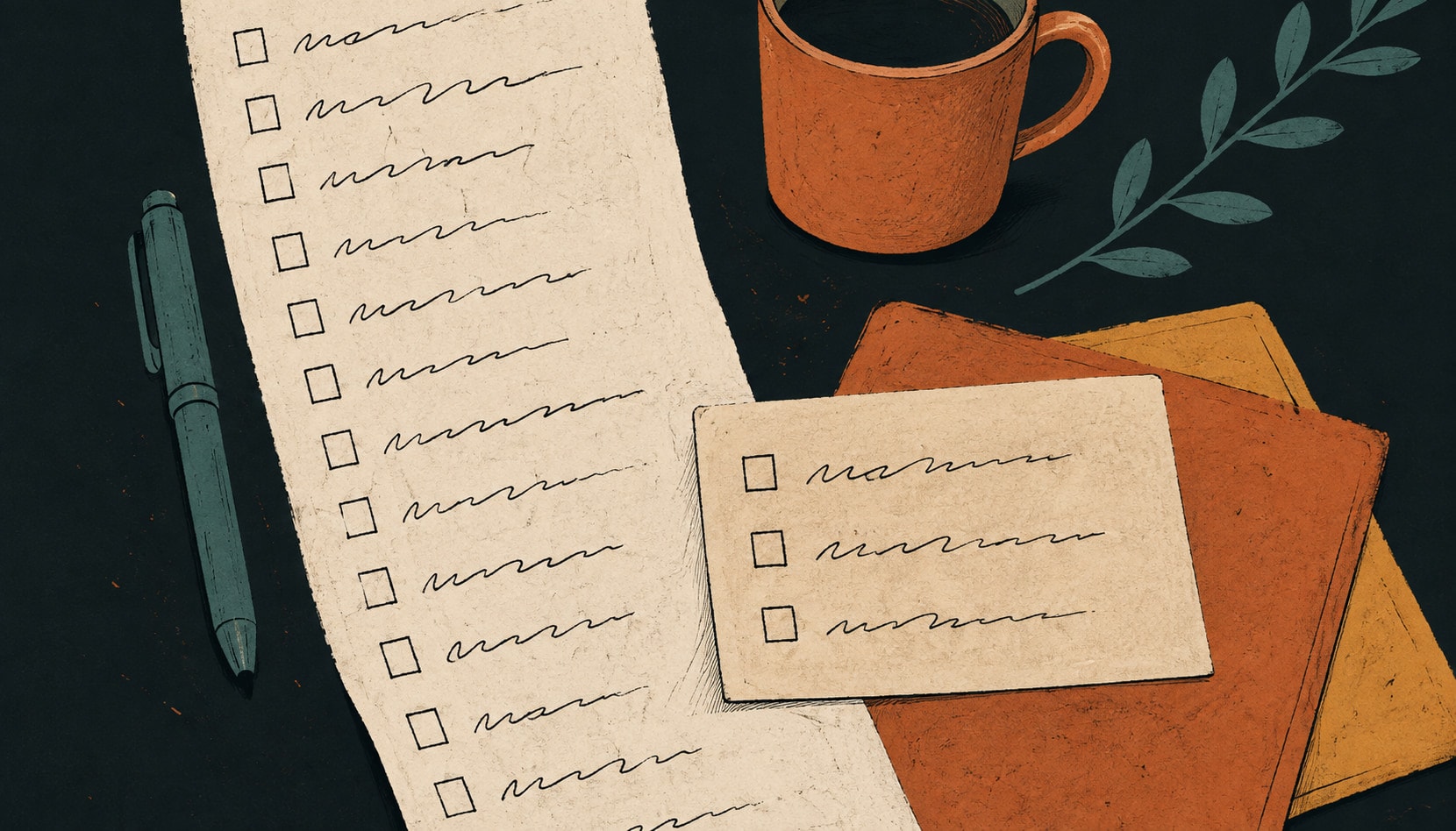
An ADHD to-do list is built differently from a standard one: everything lives in a single place you can’t help seeing, only about three items are shown for today, and no task is allowed on it unless you could start it without first working out what it means. The shape does the work that a normal list expects your attention to do for free.
Most to-do list advice assumes something that isn’t true for everyone: that once a task is written down, you’ll remember to look at it, feel roughly the right amount of urgency about it, and be able to start it. If you have ADHD, none of those three are guaranteed, and a list built on them quietly turns into a record of everything you haven’t done.
More discipline won’t patch that. A different shape of list mostly does: short, visible, and made of things you can start without a running start. Here’s what that looks like in practice.
“Inattention, such as having difficulty paying attention, keeping on task, or staying organized”
Read that list again. Staying organized appears there as a symptom, alongside attention itself. Which means “just get more organized” prescribes the symptom as the cure, and explains why effort alone never seems to hold. The fix has to sit in the shape of the list, not in how hard you try to keep it.
Why the normal list stops working
It helps to know which part is failing, because the fixes are different.
- Out of sight really is out of mind. Working memory does a lot of the holding for most people. When it doesn’t, a task in a closed app has effectively stopped existing. The list has to be somewhere you’ll physically bump into.
- The list gets long, then it gets scary. Forty open items don’t read as forty items. They read as one large feeling. At that point opening the app is itself the thing you avoid, which is a particularly cruel loop.
- Vague items can’t be started. “Sort out the insurance” isn’t a task, it’s a topic. There’s no first movement in it, so your brain finds nothing to grab and moves on to something with a clearer edge.
- Time doesn’t feel like a line. Time blindness means “due next Thursday” and “due in an hour” can generate about the same amount of signal until Thursday morning, when they swap places violently.
- Interest matters more than importance. Motivation tends to follow novelty, urgency and interest rather than a priority label. A list that only ranks by importance is arguing with that instead of using it.
None of this is a character flaw and none of it is fixed by a nicer app. But a list can be built to lean on the parts that work instead of the parts that don’t.
Rule 1: one inbox, and it takes everything
Split systems fail first. If tasks live in an app, a notebook, three starred messages and your memory, then every time you want to know what’s outstanding you have to check four places, and you won’t. Pick one place, and let it be ugly. Half-formed thoughts, links, “ask Sam about the thing” with no context. Capture beats formatting.
The only rule for the inbox is that it has to be faster to use than it is to think about using. A keyboard shortcut, a widget, a voice note. If capture takes more than a few seconds, the thought is gone before it lands. If you’re still deciding what to capture into, our guide to ADHD planning tools covers what each type of tool is genuinely good at.
Rule 2: the day gets three things, not thirty
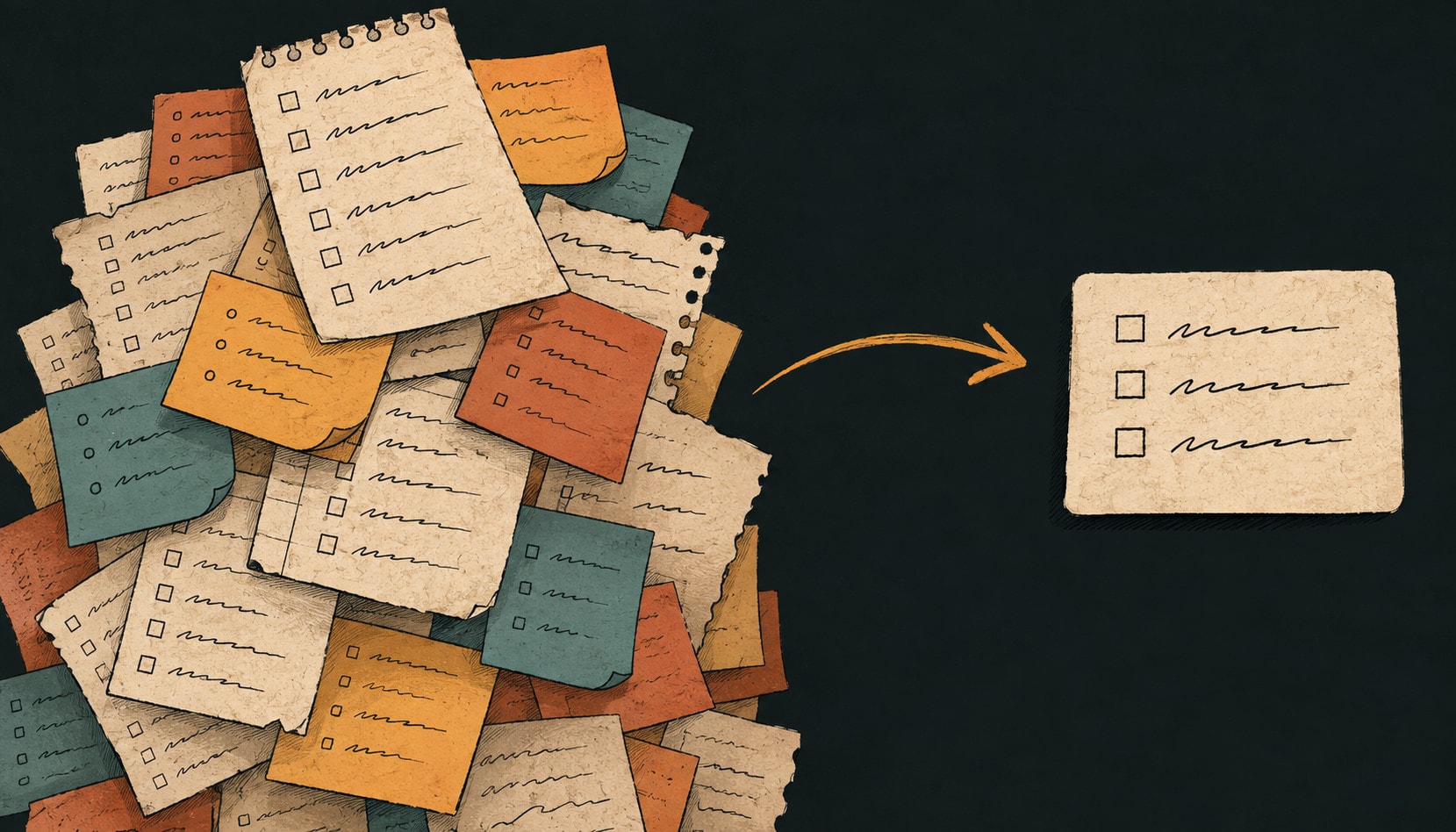
This is the single change most people notice immediately. Your full list can hold everything. Your day holds three. Not three categories, not three projects. Three specific actions you could describe to someone else.
Three works because it’s small enough to hold in your head, small enough that finishing feels possible, and honest about how many hard things actually fit in a day around meetings and life. If you finish them, pull another one in. That feels like winning, which matters more than it sounds. Ending the day at 3 of 30 does the opposite, every day, forever.
Rule 3: never write a task you can’t start
If an item has been sitting untouched for a week, it’s almost never laziness. It’s that the item doesn’t contain an action. Rewrite it until the first physical movement is in the text.
- “Taxes” becomes “find last year’s return in email.”
- “Sort out the website” becomes “write the three sentences for the about page.”
- “Call the doctor” becomes “find the number and put it in my phone.” Then, separately, “call at 9am.”
Yes, that makes the list longer. It also makes it startable, and a startable list of twelve beats an unstartable list of four. When you can’t face doing the rewrite yourself, that’s a good moment to hand the item to an assistant and ask it to break it down: reviewing a proposed breakdown takes far less activation energy than producing one.
Rule 4: put dates on reality, not on hope
The most common way an ADHD to-do list dies is date inflation. Everything gets today’s date because everything feels urgent, then nothing gets done, then tomorrow inherits an impossible day. After a week the dates mean nothing and you stop looking.
Two things help. First, separate the deadline (when it’s actually due, which rarely changes) from the do date (when you intend to work on it, which changes constantly and is allowed to). Second, when something slips, move it deliberately rather than letting it sit red. A date you chose is information. A date that expired is noise, and a list full of noise gets ignored.
For deadlines that are genuinely far away, add a marker a few days before rather than trusting future-you to feel it coming. It’s the same reason project plans use milestones: a date on its own is invisible until it’s late.
Rule 5: make clearing up cheap
Every system needs a reset, and if the reset is expensive you won’t do it. Once a week, do two passes over the list, and give yourself permission for both to be fast.
- The brain dump. Ten minutes, everything out of your head and into the inbox. Don’t organize while you dump. The point is to stop paying rent on remembering.
- The cull. Go through what’s open and delete without guilt. If it’s been sitting for a month and nothing bad happened, it wasn’t a task. Deleting things is maintenance, not failure.
Bulk actions matter more here than anywhere else. If pushing nine unfinished items to next week means editing nine items one at a time, you’ll abandon the list instead. It should be one move, which is where a wall of cards gets expensive: dragging nine Trello cards is nine separate decisions, at the exact moment you have the least patience for them.
When you still can’t start
Task paralysis is its own thing, separate from an untidy list. A few approaches people find reliable:
- Shrink it until it’s embarrassing. Not “write the report,” but “open the document and type the title.” Starting is the hard part, and a two-minute version usually smuggles you past it.
- Body doubling. Work alongside someone, in person or on a call, doing unrelated things. The mild social presence does something that willpower doesn’t.
- Externalize the timer. A visible countdown makes a 25-minute block feel like a real object rather than an abstract intention.
- Use the interest, don’t fight it. If you have energy for the wrong task right now, and the right one isn’t urgent yet, doing the wrong one is still better than doing nothing while feeling bad about it.
Falling off is part of the system
You will abandon the list. Probably within a month, probably during a bad week. This is normal and the system should expect it. What matters is how expensive it is to come back: if returning means confronting 60 overdue items in red, you won’t. If it means one bulk reschedule and picking three things for today, you will.
So avoid anything built on streaks. Streak mechanics punish exactly the pattern ADHD produces, and losing a 40-day streak is a great reason to never open an app again.
How this looks in Taskly
We didn’t build Taskly as an ADHD app, and we’d be wary of anyone who claims a tool solves this. But the shape above is roughly the shape of the product, and a few pieces do real work here.
- Capture is one keystroke. One inbox, no folder decision at the moment of capture. You can sort later or never.
- Brain dumps come out structured. Paste or dictate the whole messy pile and ask Otto, our AI assistant, to sort it. It comes back as separate items, with the ones that are really projects split into steps, and proposed dates. Reviewing that is much easier than writing it.
- Nothing changes without your approval. Otto shows every proposed change as a before-and-after view you accept or discard. Your list never quietly rearranges itself, which matters a lot when trust in the list is the system.
- Leftovers move in one action. “Push everything I didn’t finish to Thursday” is one request and one approval, not twenty edits.
- Separate do-dates and deadlines. So a slipped intention doesn’t look like a missed commitment.
If the assistant part is what interests you, our AI to-do list page goes into what it does and what to check before trusting any tool with your list. And if the hard part is specifically your working week rather than life in general, the ADHD work planner guide covers meetings, other people’s deadlines, and the admin that never makes the top three. If the list currently lives in something heavier that your team picked, the Asana alternative page covers what actually changes when you move.
The short version
One inbox that takes everything. Three things a day. No item that doesn’t contain a first move. Dates you actually chose. A weekly dump and cull that takes ten minutes. Bulk moves so coming back after a bad week is cheap. That’s most of it, and none of it requires you to become a different person.
| Rule | What it means | The failure it prevents |
|---|---|---|
| 1. One inbox | Everything goes to a single place, no matter how it arrives. | Things scattered across notes, texts and memory, so no list is ever the real list. |
| 2. Three things | The day shows about three items. The rest still exists, elsewhere. | A forty-item list that reads as one large feeling instead of forty tasks. |
| 3. Startable items | No task without a first physical move written into it. | Task paralysis: knowing what to do and being unable to begin. |
| 4. Real dates | Dates you actually chose, not dates that sounded good. | Overdue badges everywhere, which trains you to ignore all of them. |
| 5. Cheap clearing up | A ten-minute weekly cull, and bulk moves for a bad week. | Abandoning the whole system because catching up costs more than restarting. |
Frequently asked questions
How should someone with ADHD make a to-do list?+
Why do to-do lists not work for people with ADHD?+
How many tasks should be on an ADHD to-do list for one day?+
What is task paralysis in ADHD?+
Is paper or an app better for an ADHD to-do list?+
How do you restart a to-do list after falling off it for a week?+
Do reminders and notifications help with ADHD?+
Can AI help with an ADHD to-do list?+
This is practical productivity writing, not clinical guidance. Saba Majidi holds a master’s degree in counseling psychology, but nothing here is a substitute for advice from a clinician who knows your situation. If ADHD is significantly affecting your work or wellbeing, that’s who to talk to.