
Apps that help ADHD adults each do one of six jobs, and the good ones do exactly one: capturing a thought before it evaporates (Google Keep), breaking a task into startable steps (Goblin Tools), making time visible (Tiimo, Structured), holding the list (Todoist, TickTick, Amazing Marvin), and making starting easier (Focusmate, Forest, Brain.fm). Pick for the job that is failing you this month, not the app at the top of a list.
That ordering matters more than the picks. Most roundups rank apps by popularity, which is the one signal that tells you nothing about whether a tool fits your particular failure. The systematic review below makes the same point in more careful language.
“Of 829 apps, 17 met the inclusion criteria … Overall, the quality of the reviewed apps was moderate. … The study offers a systematic method for user app selection that diverges from the traditional reliance on popularity influenced by crowd mentality.”
Eight hundred and twenty nine apps screened, seventeen worth reviewing, and the ones that survived were rated moderate. That is the honest baseline for this category, and the reason every section below says where the app breaks as well as what it does.
Pick by the job that’s failing, not by the review score
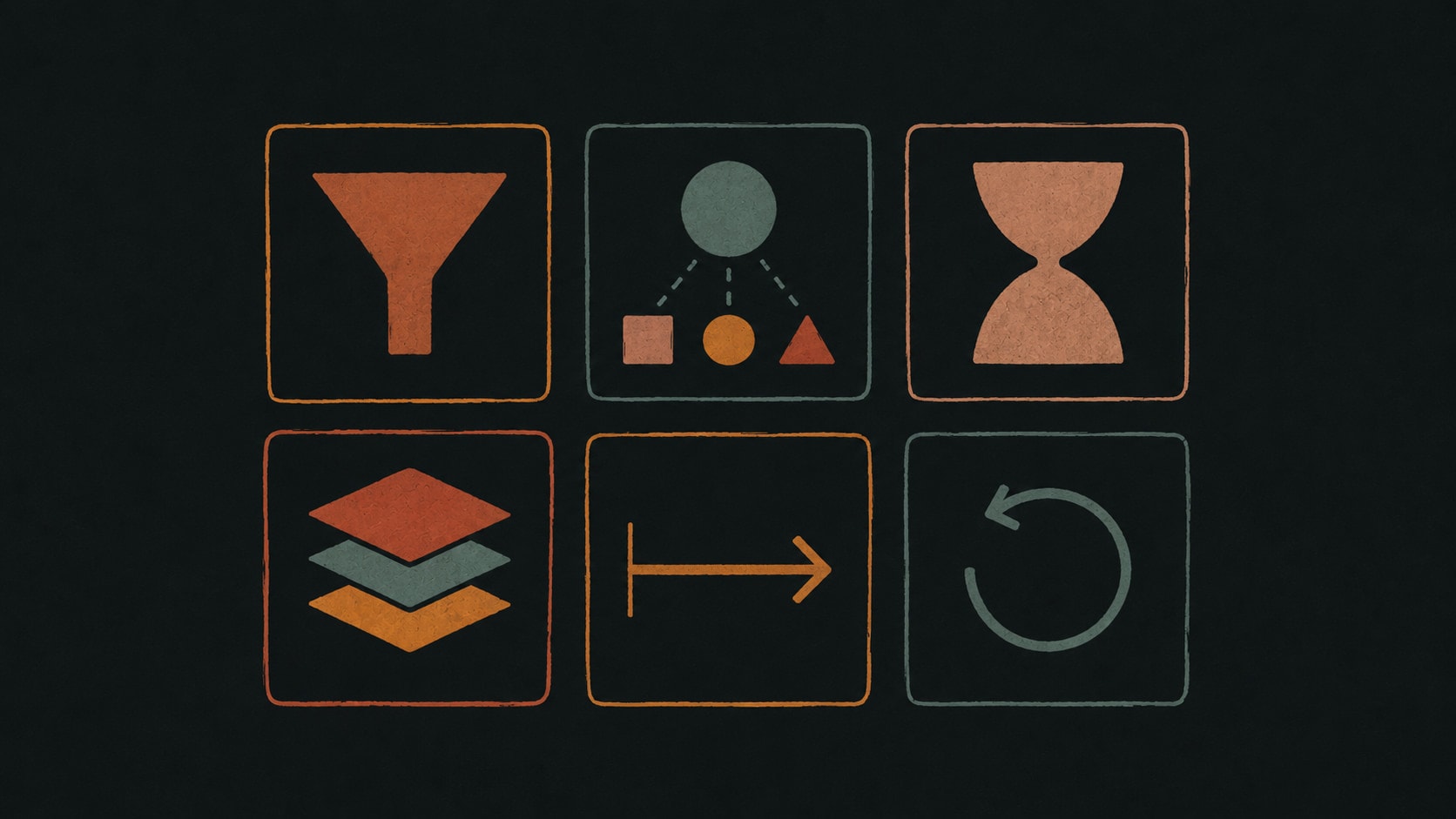
Before installing anything, name what actually went wrong last week. Not “I’m disorganised”, which is too big to shop for, but which specific link in the chain broke. There are six, and an app that is excellent at one is usually mediocre at the rest.
- Capture. The thought arrived and you lost it before it was written down.
- Breaking down. The task is written down but you can’t see the first move, so you keep skipping past it.
- Seeing time. You knew what to do and still lost the afternoon, because two hours doesn’t feel like two hours.
- Holding the list. Things are getting genuinely forgotten, not just postponed.
- Starting and staying. You know the first step, you are sitting in front of it, and you’re on your phone instead.
- Coming back. You ignored the whole system for nine days and now opening it feels worse than the work.
The category level version of this argument, with paper planners, alarms and timers included as categories rather than brands, is in our guide to ADHD planning tools. This page is the shopping list that follows from it.
Google Keep, for capture
Google Keep is the least interesting app on this list and the one most likely to still be in use in a year. Its whole value is that capture costs nothing: a widget on the home screen, a voice note when your hands are busy, no project to file it into and no decision to make at the moment the thought arrives. Apple Notes and the stock voice recorder do the same job on an iPhone.
Capture is the job people skip when shopping, because it feels too simple to need a tool. Then a week of good ideas evaporates in car parks and showers. If you notice that the things you forget are the ones you thought of while moving, the failure is capture, and no better list app will fix it.
Where it breaks: Keep is a bucket, not a system. Nothing in it comes back to find you, and a bucket you never empty turns into a second source of guilt. Pair it with a weekly ten minute sweep into whatever holds your real list.
Goblin Tools, for when you cannot see the first step
Goblin Tools is a set of nine small web tools built for moments when something feels too big to start. Magic ToDo is the one people come for: type a task as vaguely as you feel about it (“sort out the car insurance”), pull a slider for how much hand holding you want, and get back a list of steps small enough to be boring. The Estimator guesses how long something will take, the Compiler turns a paragraph of brain dump into separate items, and the Formalizer rewrites a blunt message into one you can send.
It’s free in a browser, so there’s no install, no account and no setup ritual to turn into procrastination. Paid accounts add history and sync across devices, and the mobile apps are a small one off purchase.
Where it breaks: Goblin Tools has no memory of your week. It is a can opener, not a kitchen, and the steps it produces have to be pasted somewhere that will show them to you tomorrow.
Tiimo, for time that refuses to feel real
Tiimo is a visual day planner built specifically for neurodivergent users, and it is the clearest answer on this list to time blindness. The day is drawn as a timeline with icons and colour instead of a list of rows, so a gap of two hours looks like two hours. Widgets and Live Activities keep the current block on the lock screen, a focus timer anchors you to what is running now, and its AI planner will turn a written intention into a step by step plan.
Tiimo is a paid app with a limited free tier on iOS and Android, a seven day trial on the yearly plan, and a web planner that needs an active subscription. Its design is unusually deliberate about not shaming you, which is a real feature and not a soft one.
For how Tiimo compares with the calendars it sits beside rather than with the apps on this list, see ADHD calendar apps.
Where it breaks: a visual timeline has to be built, and building tomorrow tonight is itself an executive function task. On the weeks you most need Tiimo, it is the planning session you are most likely to skip.
Structured, for one timeline instead of four lists
Structured collapses tasks, events and to-dos into a single visual timeline for the day, on iPhone, Android, web, Mac and Apple Watch. It is the lighter, less clinical cousin of Tiimo: less designed around neurodivergence specifically, faster to fill in, and free to start with a Pro tier for the rest.
The reason a timeline beats a list for many ADHD adults is that a list implies infinite room and a timeline doesn’t. Eleven things sitting in a column look plausible. The same eleven laid against a day that ends at six make the overcommitment visible before you live it, and that is usually a more useful correction than any prioritisation feature.
Where it breaks: Structured shows the day and only the day. Anything that matters in three weeks needs to live somewhere else, so it works best as the front end to a list app, not as the whole system.
Choosing what sits underneath Structured is its own decision, and ADHD calendar apps works through the options, from Google Calendar as a plain container to Reclaim filling the gaps for you.
Todoist, for the list that has to survive
Todoist is the default recommendation for holding a list, and defaults earn their place: it is fast, it is on everything, it parses “pay rent first monday” into a real recurring task, and it has been maintained long enough to be worth trusting with the things you cannot afford to forget. The free Beginner plan allows five personal projects, three filter views, five collaborators per project and a one week activity history, which is more than enough to run a life.
For ADHD specifically the useful move is to stop treating it as a planner. Todoist is storage. It holds everything so your head does not have to, and your day is a much shorter list you pull out of it each morning.
Where it breaks: Todoist is neutral about your feelings and about your overdue count. Nothing stops you opening it to sixty red items on a Monday, and its karma score punishes exactly the gaps ADHD produces. Turn karma off on day one.
TickTick, for a list with the timer built in
TickTick does what Todoist does and folds in the two things people usually bolt on: a Pomodoro timer and a calendar view, in the same app as the list. For anyone whose stack has drifted to four apps, the consolidation is worth real money, because every app you check is a habit that has to hold on a bad day.
It also reads natural language well and tracks habits, and the free tier is usable while the paid tier lifts caps and unlocks the calendar. If your failure is “I know what to do and I don’t start”, having the timer one tap from the task is a smaller gap to cross than switching apps.
Where it breaks: more features means more surface to configure, and configuring is the most seductive form of procrastination there is. TickTick rewards people who set it up once and stop.
Amazing Marvin, for people who have bounced off everything else
Amazing Marvin is a task manager built out of switchable strategies instead of one opinion about how you should work. It ships with hundreds of settings and a menu of behaviours you turn on and off: day planning, a task jar for when choosing is the blocker, super focus mode, a Pomodoro timer, kanban or list or calendar layouts. It markets itself directly at ADHD users and offers a fourteen day trial with no card.
This is the right pick for a specific person: someone who has abandoned four apps because each one insisted on a workflow that did not fit, and who can name what they needed instead. Marvin will almost certainly bend into that shape.
Where it breaks: the same configurability is a trap if you can’t name what you need. Three hundred settings is three hundred decisions, and a fortnight of tuning a system is a fortnight of not doing the work. If you’re not sure what failed, start somewhere with fewer options.
Focusmate, for starting when nothing else works
Focusmate books you into a scheduled video session with a stranger doing their own unrelated work. You both say what you are about to do, cameras stay on, nobody talks, and at the end you say whether you did it. There is nothing else to it, and it moves tasks weeks of intention didn’t.
The mechanism is body doubling: another person’s presence makes starting and staying started cheaper, and none of it depends on your own motivation that morning. The free plan includes three sessions a week, which is enough to find out whether it works on you, and Plus is $8 a month billed yearly, or $12 monthly, for unlimited sessions.
Where it breaks: a booked session is a commitment at a fixed time, which is precisely the thing that is hard. Focusmate works best aimed at specific stuck work you have already named, not as the scaffolding for a whole week.
Forest, for putting friction on the phone
Forest starts a timer, plants a virtual tree that grows while you stay out of the app, and kills the tree if you leave. With Deep Focus enabled it blocks the switch away and pulls you back, so leaving takes a deliberate tap on “Give Up”. Coins earned in sessions fund real planting through Trees for the Future, which the company says it pays for out of app revenue. The core timer and blocking are free.
The reason a cartoon tree works when willpower doesn’t is that it converts an abstract cost (this hour) into an immediate visible one (this tree). It is a small externalised consequence arriving at the exact second of the decision, which is the moment ADHD makes expensive.
Where it breaks: the effect fades once killing a tree stops feeling like anything, and it does nothing about your laptop. Forest is a lever for a known bad habit, not a planning tool.
Brain.fm, for the audio layer, with an actual paper behind it
Brain.fm is functional music: instrumental tracks engineered with amplitude modulation intended to support sustained attention, not a playlist chosen for taste. It is the one entry on this list with a peer reviewed finding pointing specifically at ADHD symptoms, published by researchers including the company’s own, which is worth knowing when you read it.
“beta-range modulations helped more than other modulation ranges for participants with more ADHD symptoms”
It is a modest, specific claim about one property of the audio, and still a stronger evidence base than anything else in this category has. Treat it as a small edge on the margin, not a treatment.
Where it breaks: audio helps you stay in a session you already started. It has nothing to say about what to work on, and headphones are not a plan.
All eleven, compared
Pricing and plan limits below were checked against each vendor’s own pages in August 2026. Free tiers move, so check before you commit money.
| App | The job it does | Free access | Where it breaks |
|---|---|---|---|
| Google Keep | Capture, no filing decision | Free | Nothing comes back to find you |
| Goblin Tools | Breaking a task into steps | Free in a browser | No memory of your week |
| Tiimo | Seeing the day, time blindness | Limited free tier on mobile | You still build the plan yourself |
| Structured | One timeline for today | Free tier, Pro paid | Today only. Nothing holds next month |
| Todoist | Storing everything reliably | 5 projects, 3 filters, 1 week history | Neutral about a wall of overdue |
| TickTick | List, timer and calendar in one | Usable free tier, caps on lists | More features, more to configure |
| Amazing Marvin | Bending to a workflow you can name | 14 day trial, no card | 300 settings is 300 decisions |
| Focusmate | Body doubling, for starting | 3 sessions a week | A booked slot is a commitment |
| Forest | Friction between you and the phone | Timer and blocking free | Wears off, and ignores your laptop |
| Brain.fm | Staying in a started session | Trial, then paid | Says nothing about what to work on |
| Taskly | Capture, restructure, recover | Free plan | Not a calendar, not a clinic |
How to trial an app without losing a month to it
The reason app shopping eats so much time is that week one flatters everything. A new tool is novel, setup produces visible output fast, and none of it predicts whether you’ll open it on a bad Tuesday in October. The only test that matters is what happens after you ignore it.
Give a candidate two weeks, judged against one job you named before installing. Copy this and fill in the first three lines before you sign up, because writing them afterwards turns into justifying whatever you already downloaded.
THE ONE JOB
  Job it has to do:      capture / breakdown / time / list / starting / recovery
  What failed last week:
  I will judge it on:

THE FOURTEEN DAYS
  Day 1        Set it up in 15 minutes. Stop when the timer goes, finished or not.
  Day 2-4      Use it for the one job only. Migrate nothing else in.
  Day 5        Did I open it without a notification telling me to?
  Day 6-9      A bad day happens in here. Note what the app did while I ignored it.
  Day 10       Re-entry test: how long from opening it to being useful again?
  Day 14       Keep or drop, in one sentence.

DROP IT IF
  [ ] Setup still isn't finished
  [ ] It punished the gap (streak lost, everything red, guilt screen)
  [ ] I only opened it when it nagged me
  [ ] Re-entry after the bad day took more than five minutes
  [ ] I've spent more time configuring it than working in it
The re-entry test on day 10 is the one that predicts six months from now. Every app is pleasant on the day you set it up, the ones that survive are the ones that are cheap to come back to.
A stack that holds
Four apps is the practical ceiling, because every app is a place you have to remember to check. A version that survives most people’s bad weeks:
- One capture inbox that takes voice, reachable in two seconds from the lock screen.
- One list holding everything, with a daily view that shows three things.
- One way to see time, either a timeline app or a calendar with two protected blocks in it.
- One starting lever, a timer or a booked body doubling session, for the tasks you keep bouncing off.
Add a breakdown tool when a task is stuck, then close it. The rules for running the list itself are in the ADHD to-do list guide, and if the problem is specifically your working week (other people’s deadlines, meetings, admin that never makes the top three) the ADHD work planner guide covers that shape.
Where Taskly fits
Taskly is not an ADHD app and we’d be sceptical of anything claiming to be one. It is a task manager we built around a few of the failure modes above, because they are the ones that ended our own systems.
- Capture with no filing decision. One inbox, one keystroke, sort later or never.
- Brain dumps come back structured. Paste or dictate the pile and ask Otto to split it into separate items, break the ones that are really projects into steps, and propose dates. The breakdown job and the list, in one place.
- Nothing changes without your approval. Otto shows every proposed change as a before and after you accept or discard, so the list never rearranges itself behind you.
- Recovery is one move. “Push everything I didn’t finish to Thursday” is one request and one approval, not twenty edits. This is the day 10 test above, designed for instead of ignored.
- Do dates are separate from deadlines, so a slipped intention doesn’t read as a missed commitment.
- No streaks and no productivity score. Nothing that makes a gap expensive.
What Taskly does not do: it is not a visual timeline, it doesn’t replace your calendar, and it won’t sit you down with a stranger for an hour. If the assistant part is the interesting bit, the AI to-do list page covers what it does and what to check before trusting any tool with your list.
The short version
Name the job that failed, pick the app that does that job, and give it fourteen days including one bad one. Keep the stack to four. Ignore rankings, including this one, when they conflict with the specific thing going wrong in your week: the review of 829 apps found popularity was the wrong filter, and it is still the one most lists sort by.
Frequently asked questions
What apps help adults with ADHD?+
Is there a free app for ADHD adults?+
What is the best app for ADHD task paralysis?+
Do ADHD apps actually work?+
What app helps with ADHD time blindness?+
What is body doubling and which app does it?+
How many apps should an adult with ADHD use?+
Can AI apps help with ADHD?+
This is practical productivity writing, not clinical guidance. Saba Majidi holds a master’s degree in counseling psychology, but nothing here is a substitute for advice from a clinician who knows your situation. If ADHD is significantly affecting your work or wellbeing, that’s who to talk to.