AI to-do list

The to-do list that writes itself, with your say-so

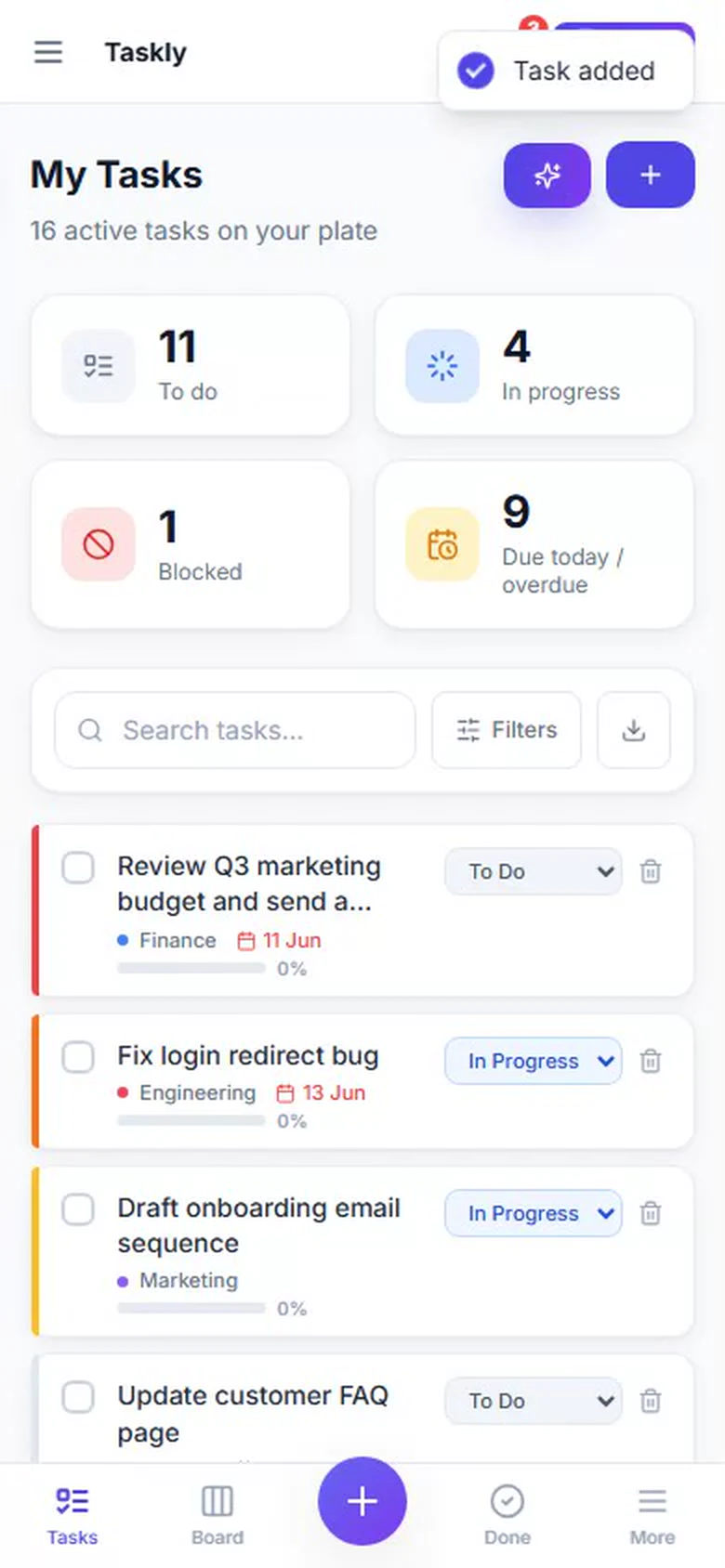
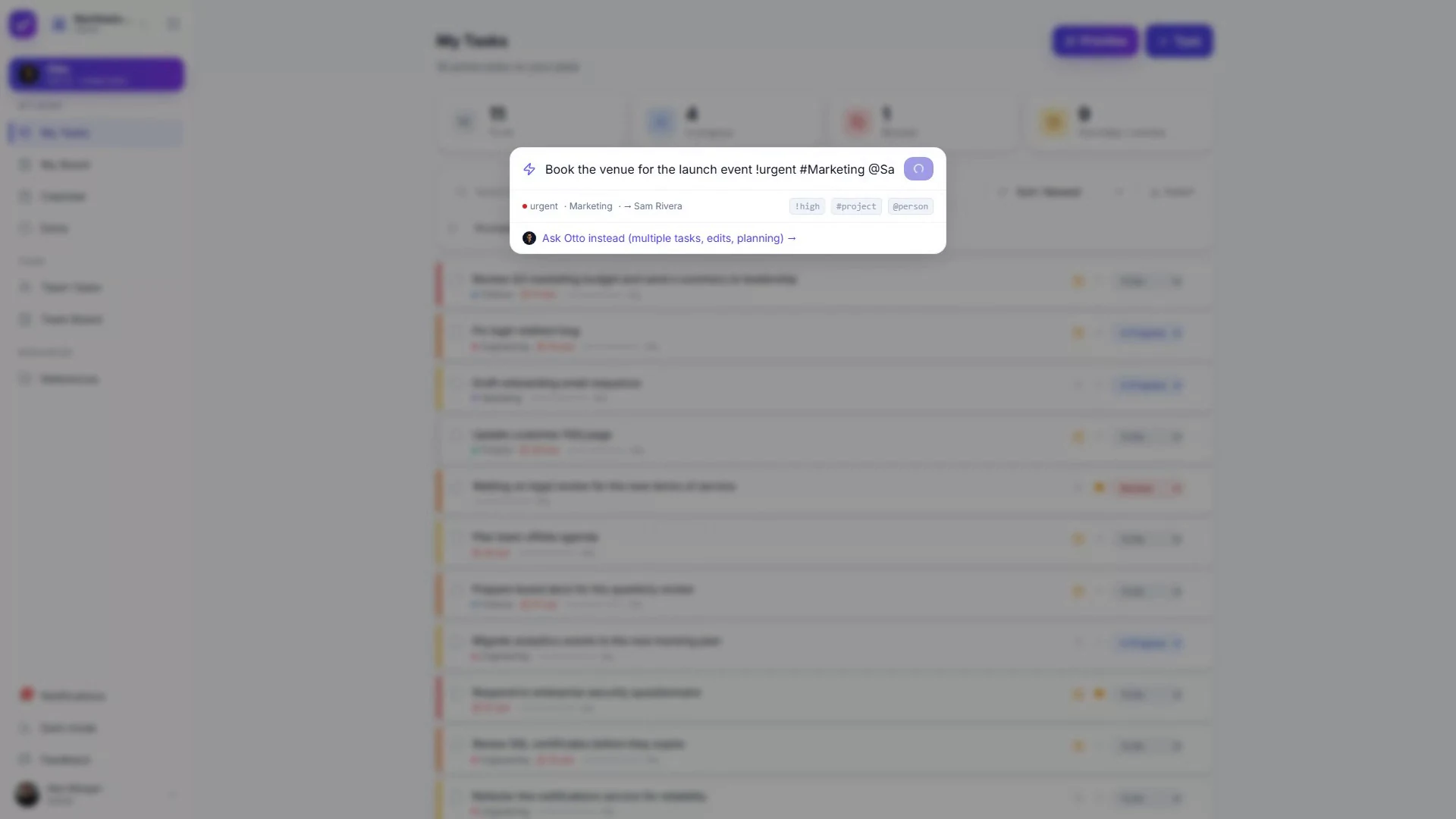
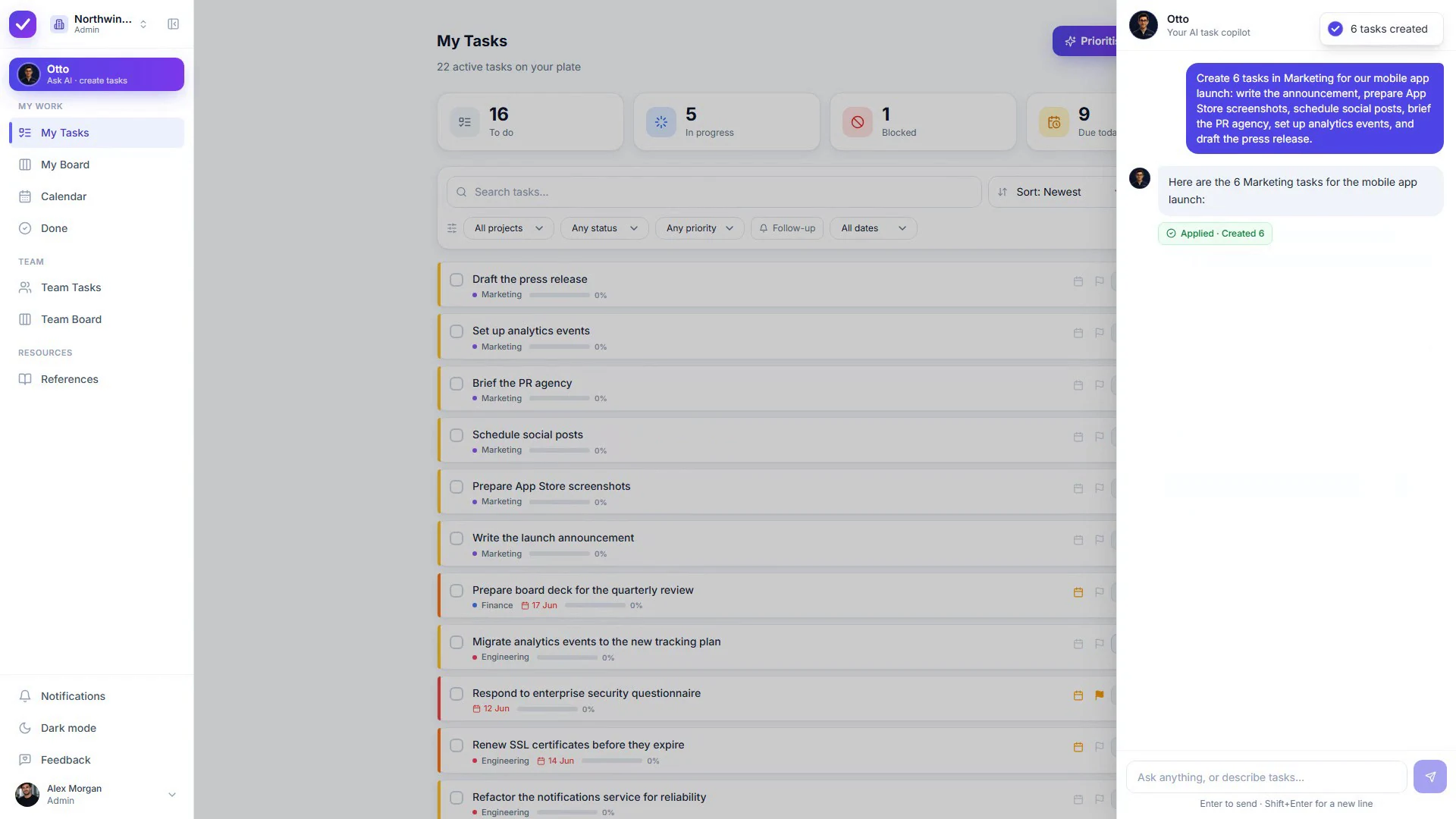
Say what’s on your plate in one messy sentence. Otto turns it into separate items with dates and an order that makes sense, then shows you the whole thing before a single one is saved.

No credit card · Free while in early access

Quick answer

An AI to-do list is a to-do app with an assistant that turns plain language into real list items: pulling several tasks out of one sentence, splitting the vague ones into steps, setting dates, and proposing an order for your day. The good ones write the items. The rest describe them and leave the typing to you. In Taskly, Otto writes them, then waits for you to approve before a single one is saved.

Capture

One sentence in. A real list out.

The point of capture is speed. If getting something onto the list takes longer than remembering it, you’ll keep it in your head, and that’s where things get dropped.

What it does for you

The four jobs worth handing over

Catches the thought before you lose it

Type or dictate the way you’d say it out loud. “Book the venue, chase the caterer, send invites by Friday” lands as three separate items with the deadline already on the right one.

Breaks the vague ones down

The item you keep skipping is usually the one that’s too big. Ask for a breakdown and you get real first steps instead of a line that reads “sort out the website.”

Orders your day and shows its work

Ask it to reorder what’s left and you get a sequence with the reasoning attached, so you can disagree with it in one place instead of dragging items up and down a list.

Reschedules the leftovers in one move

Everything you didn’t get to yesterday, pushed to a sensible day, in one approved step. No sitting there re-dating nine items by hand at 6pm.

Plain list vs. AI list

What actually changes

A plain to-do list works fine. It just makes you do all the sorting, splitting and rescheduling yourself, every single day.

A plain to-do listAn AI to-do list
Getting things onto the list One box at a time, phrased carefully so it makes sense later Say the whole thing in one sentence and it comes back as separate, dated items
The item that’s too big to start Sits there for weeks. You know the one Gets split into first steps you can actually pick up
Deciding what to do next You reread the whole list and guess You get a proposed order and reasons, and you can overrule it
Yesterday’s leftovers Re-dated by hand, or quietly ignored Rescheduled in bulk, in one step you approve
Who’s in charge You, entirely. That’s the upside and the workload Still you, as long as it proposes rather than acts. Worth checking before you move your list in
How to choose one

Four questions to ask before you move your list

1

Does it write real items, or just talk about them?

A lot of “AI to-do list” features return a paragraph you then have to retype into the app. That’s a chatbot next to a list, not an AI to-do list. The test: after one request, is the work actually on your list?

2

Can you see what it’s about to change?

Anything that edits your list silently will eventually edit something you cared about. Look for a before-and-after view you approve, especially for bulk changes across many items at once.

3

Does it survive a real week?

Lists that only work when you’re on top of them are useless on the days you aren’t. Recurring items, a way to bulk-reschedule, and a list that doesn’t shame you for a bad week matter more than clever features.

4

What does it send to the AI model?

If you share lists with anyone, ask what leaves your account. Taskly never sends your teammates’ email addresses to the model. Most tools don’t say either way, which is its own answer.

The part most tools skip

Nothing lands on your list until you say so

Otto drafts the items, then hands you the whole proposal: what gets created, what gets edited, what gets a new date. Approve it, change it, or throw it away. One item or forty, you see it first.

Why we built it this way: AI that asks first.

Who it’s for

You’ll feel it right away if

Your list is really four lists: an app, a notebook, some starred messages and your memory.

You spend the first twenty minutes of the day deciding what to do in the next twenty minutes.

Items that matter sit untouched because they’re too vague to start.

You’ve tried AI features that produce a nice summary and leave the actual list untouched.

Running work across a team, not just your own day? Start at our AI task manager page instead.

If lists have always been the hard part, read how to build a to-do list that works with an ADHD brain.

FAQ

Common questions

What is an AI to-do list?+

An AI to-do list is a to-do app with an assistant built in that turns plain-language requests into real list items: capturing several things from one sentence, splitting a vague item into steps, setting due dates, and reordering the list. The useful ones write the items for you rather than suggesting text you retype. Taskly’s assistant, Otto, drafts the items and shows them as a before-and-after view you approve before anything is saved.

Is an AI to-do list actually better than a normal one?+

It depends where your time goes. If you already keep a tidy list and know what to do next, AI adds little. If most of your friction is capturing things quickly, breaking down items you keep avoiding, and reshuffling what you didn’t finish, that’s exactly the work an assistant can take off you. The list itself isn’t smarter. The admin around it gets much cheaper.

Will the AI change my list without asking?+

In Taskly, no. Otto proposes and you approve. Whether it’s one item or forty, you see exactly what will be created, edited, reordered or rescheduled before it happens, and you can discard the whole proposal in one click. Other tools vary quite a bit here, so it’s worth checking before you move your list into one.

Can I use an AI to-do list for personal tasks and work in the same place?+

Yes. Taskly keeps personal and shared work in separate workspaces you switch between, so your groceries don’t show up next to a client deadline. Otto works the same way in both, and only sees the workspace you’re currently in.

Does it work if I dump everything in at once?+

That’s the case it handles best. Paste or dictate a messy brain dump and Otto turns it into separate items, splits the ones that are really projects, and proposes dates. You review the whole thing at once instead of typing twenty boxes. There’s more on this approach in our guide to ADHD-friendly to-do lists.

Is Taskly’s AI to-do list free?+

Yes. The whole product, Otto included, is free while Taskly is in early access. There’s no separate AI add-on and no per-seat charge for the assistant.

Stop rewriting your own to-do list

Dump everything in one go and watch Otto turn it into a list you can start on. Free while in early access.

No credit card · Sign in with Google or email