

An AI task manager is a task management app with a built-in assistant that turns plain language into structured work. You describe what needs to happen in a sentence, and the software produces the tasks, subtasks, priorities, due dates and assignments that a traditional to-do app would have made you type by hand. The better ones go further: they re-prioritize as deadlines move, and act on the plan once you approve the change.
AI task manager vs. traditional task manager
The line between the two isn’t an “AI” badge in the marketing. It’s where the effort lives. A traditional task manager is a container: it holds your tasks faithfully and waits for you to fill it. An AI task manager is a collaborator: it produces the tasks, shapes them, and keeps them current as things change.
| Traditional task manager | AI task manager | |
|---|---|---|
| Input | You type each task by hand, one at a time. | You describe the goal (“plan the March launch”) and get a structured list back. |
| Structure | You decide every list, label and subtask yourself. | It proposes a breakdown you accept, edit or reject. |
| Prioritising | You sort manually, or trust a flag you set weeks ago. | It reads dates, dependencies and effort, and suggests an order. |
| Upkeep | It goes stale the moment you stop tending it. | It can reschedule and flag what is at risk as the plan moves. |
| Failure mode | You abandon it because maintaining it is work. | It confidently reorganizes something it misunderstood. |
What does an AI task manager actually automate?
“AI” is a broad word and marketing pages lean on it hard. Underneath, useful task AI does five concrete jobs. A given tool might do one of them or all five, and knowing which is which is most of what a fair evaluation consists of.
- 1. Capture. It pulls tasks out of the places work actually gets described: a pasted paragraph, a meeting transcript, a brief. This closes the gap between what was said and what got tracked.
- 2. Structure. It turns a vague goal into a real plan: a parent task, the subtasks under it, sensible groupings and owners. This saves the most time, because organizing is the tax most people quietly avoid paying.
- 3. Prioritize. It reads deadlines, dependencies and effort and proposes what to do next, instead of leaving you with forty items of apparently equal weight.
- 4. Schedule. Some tools time-block work against your calendar and capacity, moving things when the day changes so the plan stays honest.
- 5. Execute. The newest capability. The AI doesn’t only suggest, it acts: creating tasks, editing what changed, closing what’s done. This is where the leverage is, and where the risk is.
The first four are conveniences. The fifth changes the relationship, because it is the point at which software starts modifying work you are accountable for.
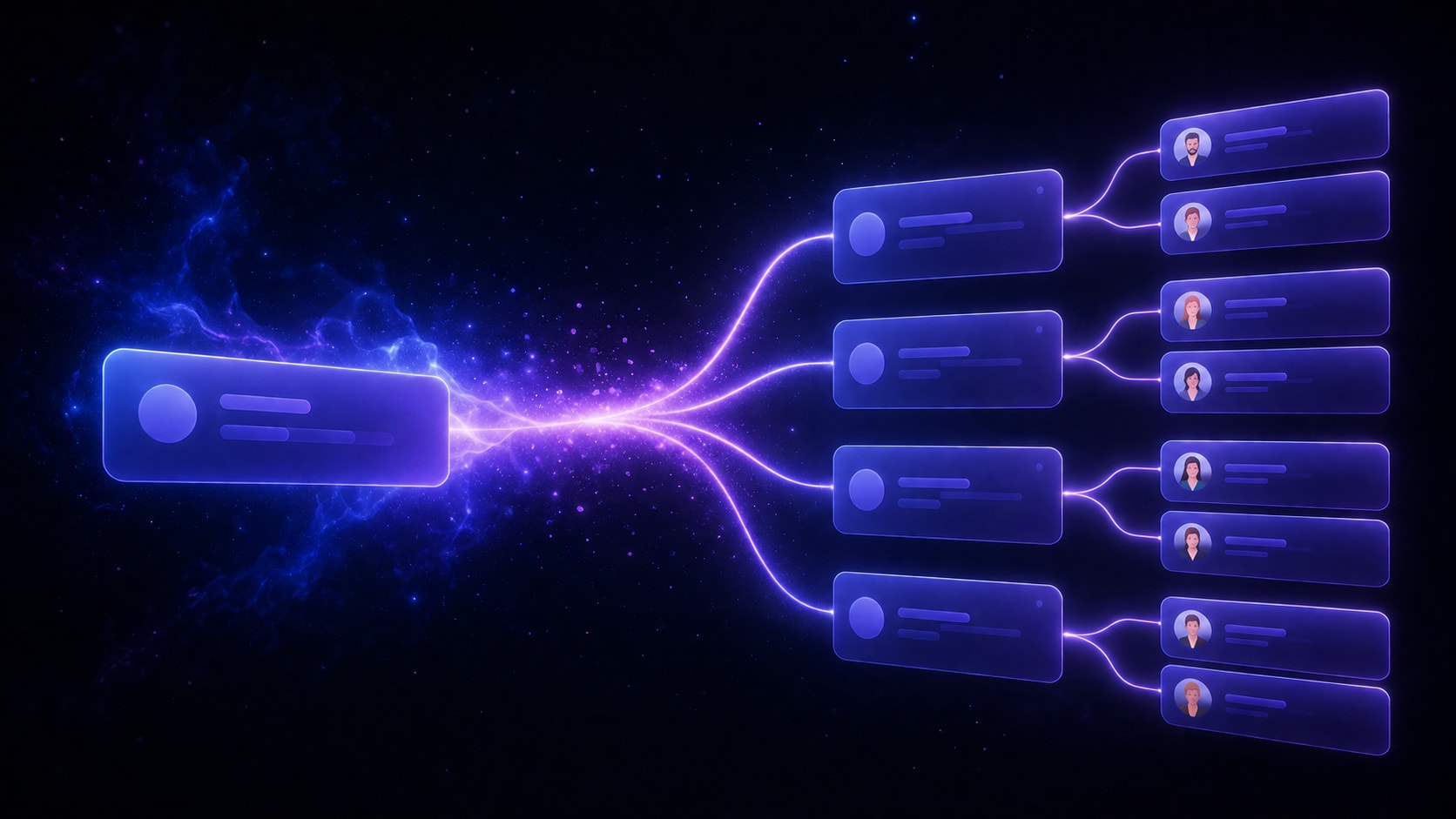
Assistant, agent, and what the standards body actually calls it
The industry describes this as a spectrum from assistant to agent. On the left is a pure assistant: it drafts and suggests, and nothing happens until you act. On the right is a full agent: it plans and executes on its own, checking in only when it hits something it can’t resolve. Most 2026 tools sit somewhere between, and the industry is drifting rightward.
The international standard for AI terminology, ISO/IEC 22989:2022, draws the line more precisely than the marketing does. It defines an autonomous system as one:
“capable of modifying its intended domain of use or goal without external intervention, control or oversight.”
And it gives a name to the opposite, which is the more useful word and the one almost nobody uses. A heteronomous system is one:
“operating under the constraint of external intervention, control or oversight.”
That word is worth borrowing, because “autonomous” has become a compliment in product copy when for task management it should be a specification. A task manager that can modify its own goals without oversight is not a better assistant, it is a different and riskier product. The interesting design question is not how much autonomy a tool has, but where its oversight sits and how visible that oversight is to you.
How do you evaluate an AI task manager?
Demos are built to look magical, so evaluate against things a demo can’t fake. Four checks separate a real AI task manager from a text box bolted onto a to-do list.
- Does it produce structure, or prose? Ask it to plan something real. You should get editable tasks with owners and dates, not a paragraph you still have to convert into tasks yourself. This one check eliminates most of the field.
- How fast is first value? Good tools organize your first project in minutes with no setup ritual. If it needs a week of configuration before the AI helps, the AI is decoration on a configuration project.
- Can you see what it is about to do? There should be a visible step between the AI deciding and your data changing. If you cannot find that step in the interface, it does not exist.
- What leaves your workspace? Check what reaches the model, especially teammate names and email addresses, and whether workspaces are isolated at the database level rather than by application code alone.
The question nobody asks: does it act without asking?
When an AI task manager can execute, the most important design choice isn’t how capable it is, it’s whether it acts with your consent or without it. An AI that silently reassigns tasks, moves due dates or closes work to be helpful is fast right up until the moment it’s wrong, and then you are cleaning up a mess you didn’t make and can’t fully see.
The alternative is straightforward: the AI proposes a change, shows exactly what will happen, and waits for one click. You get the speed of automation with the safety of a human decision, which in the ISO vocabulary above is a heteronomous system by design rather than by accident. We wrote a longer argument for this in why task AI should ask first.
What an AI task manager can’t do
A fair description of this category has to include the ceiling, because the demos never do. Three limits hold across every tool on the market, Taskly included.
- It can’t know unwritten context. If the reason a deadline moved lives in someone’s head or in a call nobody wrote up, no assistant can see it. AI reads what was recorded, not what was understood.
- It can’t decide what genuinely matters. AI can order a list by the signals it has. It cannot know that the two-line task belongs to the client who pays for everything else.
- It can’t do the work. An AI task manager organizes the plan. The writing, building and shipping underneath it is still yours, and a beautifully organized backlog is not progress.
There’s a real cognitive benefit underneath the convenience, though. Research on task switching by Rubinstein, Meyer and Evans, published in 2001 and summarised by the American Psychological Association, found that people lose time every time they switch tasks, that the cost grows as tasks get more complex, and that it grows again when the new task is unfamiliar. Each switch is small, a few tenths of a second, but they compound. Deciding what to do next is itself a task switch, which is why moving the sorting off your plate is worth more than the minutes it appears to save.
Where Taskly fits
We built Taskly around exactly that principle. You describe work in plain English and Otto, our AI assistant, drafts the tasks, subtasks and owners. Otto never acts silently: every change arrives as a diff you approve before anything moves, whether it touches one task or fifty. Teammate email addresses are never sent to the model.
If you want the category view rather than our version of it, the AI task manager page covers what Otto does in detail, and our ranked comparison of task management tools puts Taskly against Asana, monday.com, Jira, Todoist, Trello and ClickUp, including where each one beats us.